Downloads
Messages & attachments
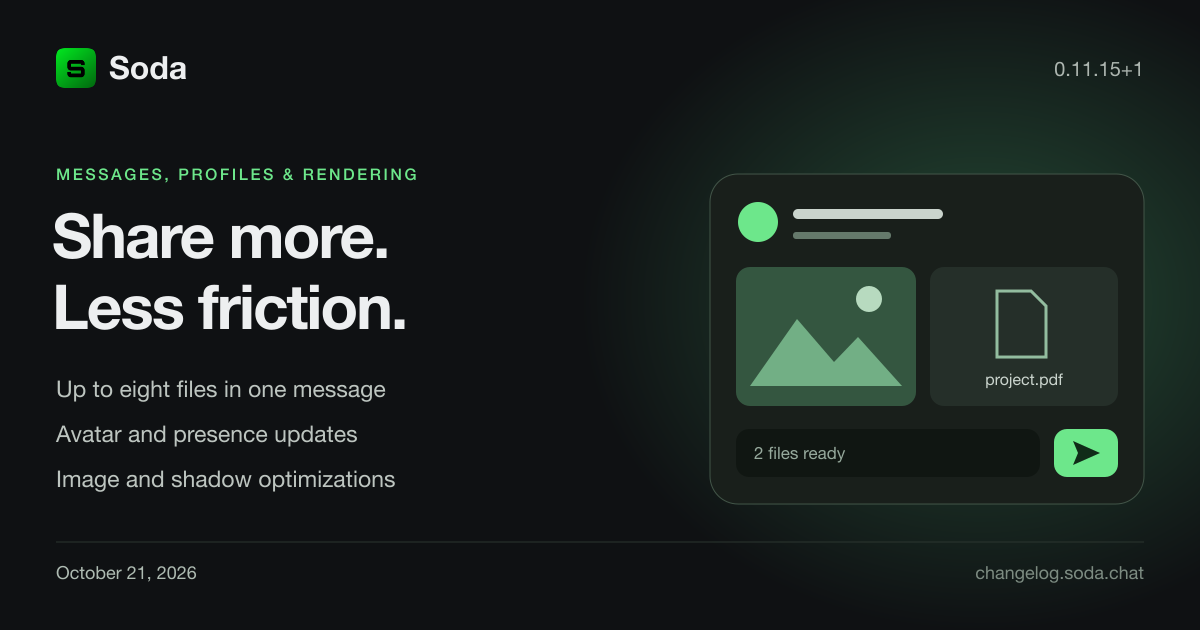
- Multi-file messages — select up to eight files for one message, preview them above the composer, remove individual files, and follow upload progress. Failed uploads can be retried without selecting the files again; completed uploads are reused.
- Compact attachment cards — clearer filenames and download rows, image previews that preserve their aspect ratio, and message measurements that match the cards.
- Channel switching — retain the outgoing feed while the next channel loads, reject stale results from earlier navigation, and preserve pending scroll-to-latest requests as messages arrive.
- Composer polish — larger GIF icon, aligned bottom navigation height, and extra message spacing only when scrolled to the latest message.
Profiles, presence & account access
- Avatar refresh — update profile-image loading after an upload and use the configured production media endpoint when launching with
--prod.
- Presence updates — keep live presence independent of profile loading, ignore older snapshots, and preserve manual Away or Busy preferences while disconnected.
- macOS credentials — migrate credentials saved by earlier app versions, preserve existing credentials when an update fails, and avoid overlapping PIN and biometric unlock attempts. Keychain access approval may be requested once.
- Unlock feedback — distinguish incorrect credentials from storage-access errors and keep reconnection from interrupting an interactive unlock.
Rendering & window layout
- Image updates — use image asset changes to trigger uploads instead of comparing pixel buffers byte by byte on every extraction.
- Panel shadows — skip outer-shadow work hidden by opaque panel interiors and revise fill/border compositing.
- Resize layout — retain authored text and list sizes during scale-only changes. Preserve fractional widths so row estimates and text wrapping remain accurate.
- macOS presentation — synchronize resize frames with the native window transaction. This does not yet resolve the whole-app resize jiggle described below.
Builds & diagnostics
- Launch progress — show build and client-launch stages when using
cargo xtask run.
- macOS packaging — validate the selected signing identity before compilation and preserve provisioning and media entitlements when re-signing. Release builds use ThinLTO while retaining panic unwinding.
- Startup diagnostics — expose loader, font and backdrop readiness to help investigate stalls, with regression coverage for cached backdrop loading.
- Reusable components — separate dashboard, sidebar, shared UI and attachment-client ownership; move camera, surface and backdrop fitting into
tonic-viewport.
Known issue
The whole app can still jiggle during live window resizing on macOS. This patch does not resolve that issue.
Downloads
Captions & transcription
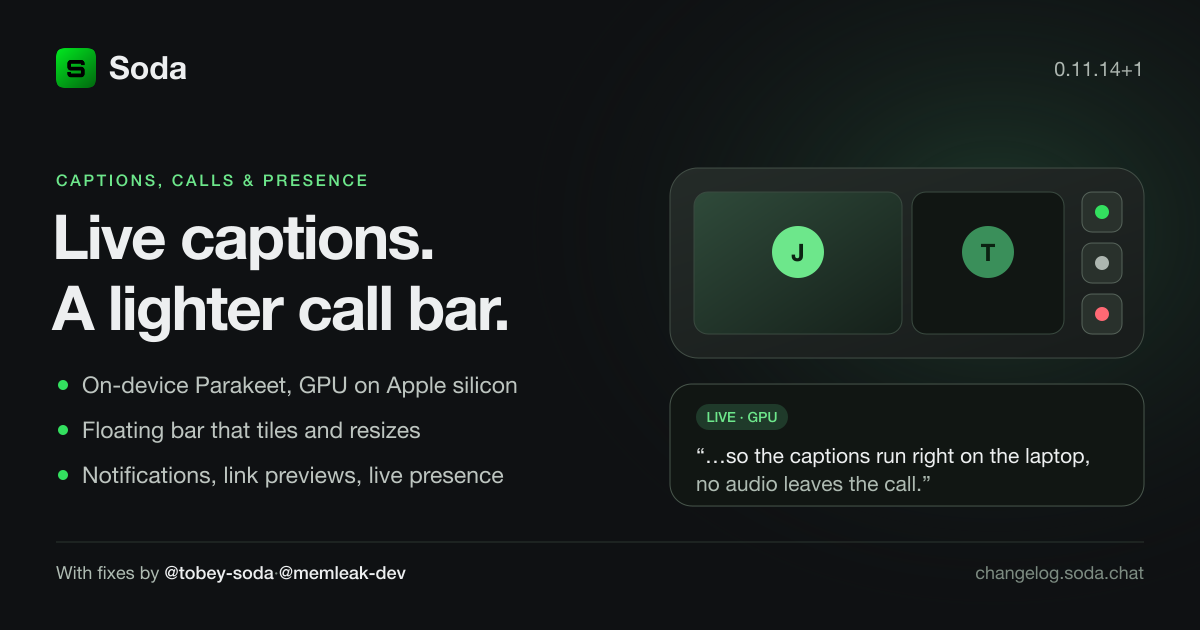
- Live captions on-device — a new Parakeet (TDT-CTC 110M) speech model transcribes calls locally, beside Apple Speech and Whisper. Pick the model and the device in Settings › Transcription; on Apple silicon captions can run on the GPU through CoreML.
- Whole-take transcripts — a recorded take gets a full-quality second pass after the call, with its own model and device choice, and an optional cloud summary.
- Apple Speech needs Dictation — when macOS Dictation is off, captions say so and Settings offers a one-tap jump to the right System Settings pane instead of staying silent.
- Noise suppression split — DTLN and WebRTC suppression now ship as separate, swappable stages; the noise stage reports its state so the call can tell you what is engaged.
Calls
- Floating call bar — a transparent, always-on-top window that follows you out of the app: camera tiles auto-tile with the same justified grid the call stage uses, flip into a vertical bar when dragged taller than wide, and resize from any window edge like a normal window.
- Device lists — a device named the same as its speaker (AirPods) is labelled by its role in the microphone list, and the input filter counts real input channels. The repick-microphone prompt no longer flickers between shown and hidden while capture restarts.
- Mic quality — tuned quality presets with a 96 kbps default, and DSP state kept between capture batches. Contributed by @tobey-soda in #1219 and @memleak-dev in #1403.
- Portrait screen share — the call well fills portrait with the shared screen. Contributed by @tobey-soda in #1222.
Presence, notifications & messaging
- Live account presence — online, away, busy and offline update live on every avatar, and the Set presence menu now reflects your real state (it previously showed offline).
- Desktop notifications — new messages notify in the background on desktop, with the conversation one click away.
- Link previews — shared links unfurl in messages; opening them goes through a platform URL launcher with an allow-list.
- Reconnection — sessions recover and queued requests replay after a dropped connection instead of failing.
- Composer focus — focus returns to the composer after picking an emoji or GIF. Contributed by @tobey-soda in #1334.
Reliability
- macOS account unlock — restore PIN and biometric access to accounts saved by earlier versions. macOS may ask you to approve access to each saved Keychain item once; after approval, credentials are saved for the updated app so that access approval does not repeat. Normal biometric authentication remains enabled.
- Saved credentials — failed updates preserve existing credentials, and deleted credentials stay deleted instead of returning from an older copy.
- Unlock feedback — missing or malformed credentials and storage-access failures show their own messages instead of “Incorrect PIN”. PIN and biometric unlock cannot overlap; biometric errors appear on screen, cancelling returns quietly to PIN entry, and completed biometric requests no longer trigger duplicate prompts.
- Reconnecting during unlock — reconnection waits for an active unlock to finish, then continues on the same connection. A new PIN or biometric attempt takes priority. Background sign-in preserves your selected account and error messages without opening the dashboard.
- Saved call preferences on cold start — transcription model and device, caption size, recording, and summary settings are now applied reliably on a cold launch; storage results settle in the same update that imported them, and an edit made before the stored value arrives wins.
- Seeded avatars — the development cluster seeds avatars from the shipped fixtures again. Contributed by @memleak-dev in #1501.
Under the hood
- Feature crates — speech analysis, summaries, device-choice persistence, tile arrangement and the floating bar moved out of the legacy engine into reusable plugins; the engine shrank by ~1,400 lines.
- Inference runtime — a shared
tonic-inference layer over ONNX Runtime with CPU and CoreML execution providers.
Captions, the floating bar, presence, notifications, link previews, reconnection and reliability work by @pownthepl in #1479, #1486, #1495 and #1517. Call fixes by @tobey-soda and @memleak-dev as credited above.
Downloads
Calls & recording
- Recording-aware departure — leaving or ending a call asks for confirmation while a recording is active or starting. Cancel keeps you in the call. The same prompt covers the call bar, voice rooms, and conversation controls. Contributed by @tobey-soda in #1225 and #1226.
- Ready devices — open the selected microphone and camera when joining; toggling them off keeps the devices available without forwarding media. Choose and save a replacement device directly in the recovery dialog, with the unavailable device named.
- Conversation calls — show a waiting view until someone accepts, retain fullscreen view when using controls, and correct mute, camera, screen-share, and hangup/rejoin state for peers.
- Call sounds — lower join and hangup volume and move playback off the UI thread. Unguarded hangup feedback starts on pointer down; recording confirmation waits for your decision. A previous hangup no longer suppresses the next call’s sound.
- Capture cleanup — open and retire devices off the UI thread, cancel pending opens after a failed or cancelled call, and apply changed capture settings when reusing a device. Discard delayed encoded audio after muting.
- Screen sharing — keep discovered sources beyond the previous 32-item limit, retain ownership of pending preview work when the picker is closed and reopened, and replace an older remote track when a newer generation arrives.
Reliability & navigation
- Startup crashes — remove conflicting pinned-message state access during dashboard initialization, resolve waiting-view fonts explicitly, and allow recording-safe departure to initialize after the session owner exists.
- Saved preferences — preserve settings writes that overlap startup reads, even when callers reuse a request label. Secure-storage diagnostics report byte counts instead of stored contents.
- Server navigation — an earlier channel-watch failure no longer clears a newer selection. Joining successive invites selects the correct server, and delayed role-member pages and settings-save failures no longer alter a newly selected editor.
- Conversation state — apply read receipts and unpin refreshes to the conversation that requested them after you switch chats. Direct-message creation checks the intended recipient’s messaging policy.
- Account switching — retire the previous account’s pending wallet transfer and pinned-message requests so late replies cannot change the new account’s state.
- Collapsed categories — preserve collapsed entries beyond the previous 32-item limit.
- Background state — bound unresolved notification and video-decoder diagnostic records. Process imported connection status and streamed records in the same update.
Interface & foundations
- Cleaner controls — hide the call button in self-conversations, simplify fullscreen controls, and return desktop message composers to 50px height.
- Reusable feature plugins — move more call and application behavior into focused core and plugin crates, with ordinary components owning state.
Builds & publishing
- Release uploads — stop treating Cloudflare API tokens as S3 session credentials. Retry an existing package directly after an upload failure without rebuilding it.
- Windows packaging — reuse validated release ZIPs without rebuilding, check requested signing identities, and launch npm command shims correctly. Generate Windows release scripts with the selected packaging settings.
Call, reliability, interface, and release-tooling improvements contributed by @pownthepl in #1470. Recording-safe departure contributed by @tobey-soda in #1225 and #1226.
Calls & media
- Microphone processing — preserve DSP history across empty capture polls, reset it on mute or capture interruption, and process every frame in each microphone batch.
- Windows HEVC decoding — retain decoder-owned padded output surfaces and add low-latency decoder controls. Incoming call video requests real-time decoding where supported.
- Audio settings — clarify platform-specific native processing labels, including VoiceProcessingIO on Apple platforms.
Builds & verification
- Worker builds — restore workspace dependencies needed by the Docker worker build.
- Test fixtures — point framework image tests at shipped fixtures and use OS-assigned ports in server cluster tests.
Downloads
Downloads
Call audio
- Apple microphone capture — moved capture to the dedicated Apple audio-input backend, with VoiceProcessingIO as a capture option and optional software processing downstream.
- Live bitrate changes — audio bitrate settings update the running encoder without reopening the microphone.
- Noise suppression verification — added real-speech fixtures, comparison against the original DTLN model, and regressions for packet continuity and live suppression-strength changes.
Interface & scheduling
- Slider input — corrected track hit testing to use resolved world-space dimensions rather than logical-pixel thumb sizes.
- Reactive scheduling — separated message outputs from reactive inputs so publishing to a shared queue does not reactivate unrelated producers. Virtual-list bookkeeping now preserves change ticks when its pending state is unchanged.
Downloads
Download Soda v0.11.10 for macOS and Windows. Downloads for earlier versions remain below.
Mobile
- Responsive dashboard — added compact navigation, a swipe drawer, mobile voice rooms, and sheets for the roster, profile, and conversation views.
- Touch and scrolling — improved scroll momentum, touch dragging, gesture routing, and target sizes across mobile pages and dialogs.
- Onboarding and account access — adapted signup, authentication, and account screens to phone layouts, including native paste and biometric permission handling on iOS.
- iOS development — added physical-device deployment, Xcode provisioning, device logs, and app data storage in the iOS container.
- iOS TestFlight — build 3 has been uploaded for testing. Invitations have been sent to all @sodahq.com email addresses; install Soda from your TestFlight invitation when the build is available.
- Android — coming soon.
Calls & desktop
- Conversation calls — added the end-to-end call flow from conversations.
- Screen sharing — choose whether to include system audio when starting a screen share.
- Desktop windows — added native window surfaces and virtual lists, and improved first-frame layout and retained transition timing.
- Replica recovery — made recovery state durable after interrupted sessions.
Downloads
Download Soda v0.11.9 for macOS and Windows. Previous downloads remain below.
Calls & recording
- Floating participant row (experimental) — Windows and macOS calls can show a top-centered row in one transparent, always-on-top, click-through window, with participant names, mute indicators, captions and metrics. Controls and recording remain in the main call.
- Desktop recording audio — corrected remote Opus timestamps and added named individual audio tracks alongside the master mix. Track discovery happens at recording startup; new sources arriving after that window remain in the master mix only.
- Transcript and summary companions — desktop recordings save settled live captions with participant display names, reduce duplicate recognition revisions, and produce a local summary. Configured cloud summarizers can also save a separate summary.
- Interrupted recordings — preserve transcript and local summary companions when recording fails, publish recovered media when finalization succeeds, and prevent muted audio stems from lagging behind the interleave window.
- Codec capabilities — tile metrics distinguish the active codec from the participant's advertised decode support. Windows logs explain why HEVC is not advertised; a compatible Media Foundation decoder is still required.
Fixes & improvements
- Local message times — message timestamps, direct-message clocks and date separators now use the viewer's local timezone, including daylight-saving changes.
- Member presence — the member panel uses real presence data and lists online members first.
- Server switching — keep the left-panel server summary from shrinking, preventing layout flashes when switching servers.
- Compact voice rooms — avatars are 70% larger than their original size, with adjusted container height and compact top spacing.
- Caption readability — compact speech bubbles use black text on white; tile captions use white text on black and share the display-name bottom inset.
- Rounded video corners — antialiased clipping smooths rounded video edges.
- Floating-window lifecycle — isolate overlay rendering from the main window and retire native windows when floating mode is disabled, preventing repeated stale-window redraw warnings.
- Windows presentation — default desktop rendering uses DX12 DirectComposition for transparency. Windows x64 builds bundle DXC to avoid the legacy FXC shader compiler crash.
Downloads
Download Soda and Soda Call for macOS and Windows.
Calls
- Local transcription — added a native Whisper backend with downloadable models, CPU inference by default, and optional GPU acceleration on supported Windows devices.
- Shared captions — improved caption capability negotiation and delivery so participants receive transcription generated by supported peers.
- Smoother participant video — reduced receiver-side stalls and improved frame presentation across Windows and macOS.
- Windows window sharing — selecting an application window now captures that window instead of falling back to the monitor.
- Call diagnostics — participant tiles now report dropped frames, end-to-end latency, and average and maximum decode and presentation latency.
Fixes & improvements
- Metrics overlay — metrics are arranged one per line in a high-contrast black panel with aligned values and a visible white toggle.
- Emoji picker — fixed the picker stretching to the full window while its emoji content remained compressed at the top.
- Video compatibility — improved native video frame import and presentation diagnostics on Windows and macOS.
Downloads
Download Soda and Soda Call for macOS and Windows.
Calls
- Smoother voice rooms — reduced unnecessary background work while calls are active, making controls and video feel more responsive.
- Live captions — captions start automatically on supported devices and appear in compact speech bubbles. The CC button controls whether they are shown.
- Caption cleanup — speech bubbles now replace completed phrases and disappear after a natural pause.
- Audio devices — improved microphone and speaker switching, including MacBook and multi-channel audio interfaces.
- Screen sharing — fixed microphone capture stopping after a screen share with audio ends.
- Participant video — camera changes update existing participant tiles without rebuilding the call view.
Fixes & improvements
- Menus and popovers — overlays now open in the right place on their first frame, close promptly, and repaint without requiring another click or pointer movement.
- Emoji picker — restored the complete emoji collection, added a loading indicator for the first open, and made later opens faster.
- Profiles — fixed avatar, cover, and portrait images loading, saving, and updating for other people.
- Theme changes — switching themes now keeps the current screen, controls, popovers, and scroll position mounted.
- Account recovery — saved accounts remain available when a profile or session is temporarily unavailable, with separate development and production sign-in data.
- Chat readability — corrected message text contrast and improved conversation header avatar sizing.
- Voice room layout — the online panel now resizes correctly while the compact call view is visible.
- Stability — fixed crashes involving profile images, popover placement, server creation, and theme changes.
Downloads
Download Soda and Soda Call for macOS and Windows.
Crash fixes
- Soda Call — fixed a crash when opening the app.
- Servers and invites — fixed crashes when creating a server or opening an invitation.
- Themes — fixed a crash when switching themes.
Fixes & improvements
- Camera effects — fixed distorted video when using background effects on macOS.
- Background blur — choose Light, Balanced, or Strong blur with simple preset cards.
- Virtual backgrounds — fixed the Aurora, Dune, and Slate backgrounds. On macOS, you can also choose between Apple’s built-in background detection and our custom option.
- Invite codes — show a loading state while the invite code is being generated, keep Copy code disabled until it is ready, and close the dialog after copying.
- Easier permissions — each permission now shows its status and one Request access button. You can retry if access isn’t working.
- Instant permission updates — camera and microphone status updates after you choose Allow or Deny, without needing another click.
- Joining voice rooms — only microphone access is required to continue. Camera and screen sharing are optional.
- macOS screen sharing — added a reminder to restart the app after changing screen-sharing access.
- Soda Call on macOS — fixed missing camera and microphone permission prompts.
Developer tools
- Permission playground — updated the example with simpler controls and live permission status.
- Design previews — added interactive previews of permission controls across ten themes and a new playground layout.
Download
Features
- Voice rooms — join a server channel from the dashboard, use compact call controls, and expand into the shared active-call experience.
- Video and screen sharing — publish camera video, choose a window or display to share, and see live media in compact avatars and expanded participant tiles.
- Live captions — enable native speech transcription from the call controls on supported platforms.
Fixes & improvements
- Responsive call controls — microphone, camera, captions, and sharing state update immediately while device and network work continues asynchronously.
- Participant identity — voice-room rosters use stable account-session participants, support multiple sessions per account, and remove departed participants without duplicate local tiles.
- Media lifecycle — leaving a call now tears down local and remote track pipelines, capture, playback, subscriptions, and preview work.
- Screen-share picker — restored window and display previews, respected cancellation, and corrected preview clipping, corner treatment, and borders.
- Call presentation — corrected overlay depth, hit testing, video clipping, avatar rendering, voice activity highlights, and compact-control contrast.
- Permission flow — added a platform permission gate with per-permission status before entering a voice room.
- Profile resolution — messages and call participants wait for resolved account profiles instead of presenting raw identifiers or placeholder identity.
- macOS development — hardened app bundles now launch reliably in multi-client runs without reopening obsolete Keychain namespaces.
Technical
- Shared call UI — Soda voice rooms and the call app now compose the same active-call view, participant tiles, controls, and screen-source picker.
- Media diagnostics — added live, fine-grained pipeline diagnostics for capture, encode, transport, decode, playback, frame delivery, and UI invalidation.
- Service coherence — Durable Object services now maintain bounded node-local projections from authenticated push feeds and fetch only on cache misses.
Download
Features
- Energy wallet — check your balance and transactions, top up energy, or send energy to another account from the Wallet tab.
- Energy reactions — react to a message with energy and see the total directly on the message.
- Moderation — authorized moderators can pin or delete messages and timeout, kick, or ban members from message and avatar menus.
- Message notifications — incoming messages now play a short notification sound.
Fixes & improvements
- Live wallet updates — balances and transactions refresh immediately after top-ups, transfers, purchases, and energy reactions.
- Energy flows — top-up and send dialogs now have clearer review, checkout, success, and error steps.
- Dialogs — dialogs now size to their content, keep actions at the bottom, and use consistent titles, close buttons, spacing, and navigation.
- Owner permissions — server owners can now pin and delete messages posted by other members.
- Timeouts — timed-out members now see the expiration and reason above the composer, which remains disabled until the timeout ends.
- Message identity — new messages wait for the author's profile instead of briefly showing a raw account ID.
- Server navigation — channels and categories now appear in the correct order after joining a server.
- Message cleanup — removed stray reaction values and prevented delete effects from changing message-row height.
- Delete effect — deleted messages now dissolve with a smoother green emissive particle effect.
Availability
- Store and marketplace — temporarily unavailable while their browsing and purchasing experience is completed. The toolbar entry is disabled; energy wallet features remain available.
Technical
- Protocol — migrated first-party energy and store operations from JSON to typed, zero-copy Solo protocol entities and dedicated request types.
- Push updates — wallet transactions, balances, inventory, transfers, purchases, and energy reactions now reconcile from authoritative server events.
- Retained ECS UI — expanded command-native construction and explicit ECS systems without introducing new application-level
Cx or direct World access.
- Dialog framework — added a shared scaffold for title, subtitle, close control, content, bottom-pinned actions, intrinsic sizing, scrolling, and modal micro-navigation.
- Transitions — added generic retained-surface shader transitions with theme-selected effects, emissive particles, and bloom.
- Virtual lists — preserved message-row geometry during transitions and deferred new rows until their account profiles resolve.
- Moderation state — centralized owner and role permissions for message and member actions, including authoritative timeout state.
- Multi-client testing —
cargo xtask run app soda --count N now assigns an isolated key namespace to each client.
- Product safeguards — documented requirements for functional controls, concise action labels, contextual dialogs, and consistent application UI architecture.
Download
Fixes & improvements
- Startup experience — replaced the static and dotted loading treatments with a smooth Soda scanner on macOS, Windows, and Web. The native loader completes its two-second pass and waits for real rendered content before handing off.
- Development data safety — development builds now use an isolated secure-storage namespace, preventing local testing from reading, replacing, or clearing production account keys.
- GIF preview caching — added shared, bounded framework caches for downloads and decoded GIF textures, reusing previews and sharing in-flight downloads.
- Reaction wrapping — message rows resize to fit wrapped reactions and shrink again when more horizontal space is available, keeping the next message clear.
- Chat spacing — date dividers now align with the message content, and the online list panel has a matching right and bottom inset.
- Message highlights — hover backgrounds extend across the chat width with a subtler, more transparent fill.
- Dashboard polish — improved header button alignment, added breathing room around pinned messages, and strengthened the shading on dashboard toggle buttons.
- Emoji picker — redesigned browsing and search with clearer sections, emoji-name previews, useful empty states, corrected skin-tone artwork, and support for host-provided custom emoji collections with stable recents.
- Reaction picker — now opens in the correct position on its first frame, follows the selected message, and closes when that message leaves the rendered list.
- Popovers — reaction, GIF, and other popovers now share reliable first-frame placement and the same themed surface background as context menus.
- GIF picker — shows a centered loading indicator while fetching GIFs, without reserving extra space when hidden, and highlights the selected category pill.
- GIF rendering — fixed GIFs appearing blank or oversized when messages reload. Message images and GIFs preserve their aspect ratio when the online panel changes the available chat width, with theme-matched rounded corners throughout.
Download
Features
- Email sign up — create an account with your email: a verification code, then a PIN, with biometric unlock on supported devices.
- Platform invite — invite people to Soda with a shareable link.
- Friends — add friends and see who's online.
- Group chats — start group conversations with member rosters, presence, and activity.
- Pinned messages — pin in channels and conversations; unpin from the pinned bar.
- Roles & permissions — create roles with a guided flow, plain-language permission descriptions, click-to-assign members.